> ## Documentation Index
> Fetch the complete documentation index at: https://docs.clairelabs.ai/llms.txt
> Use this file to discover all available pages before exploring further.
# Focus mode: hide distracting UI elements
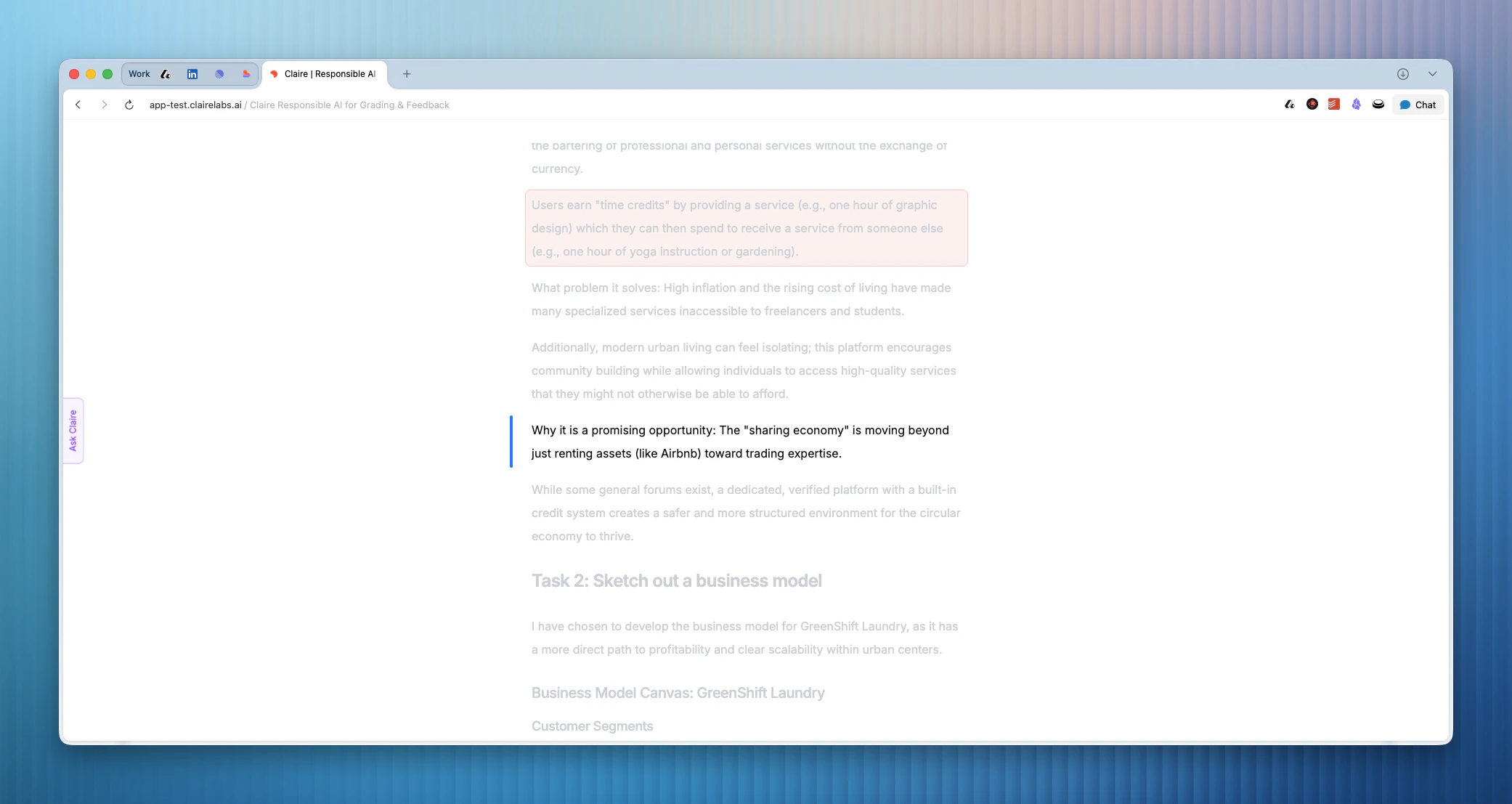
> Focus mode provides a clean reading experience by hiding the reference panel and top navigation bar while you review submissions.
Focus mode allows you to hide distracting UI elements from the reader as you review a submission. It gives you a highly focused reading experience. This is ideal when you want to review work manually or go through a few AI inline suggestions.
When you activate Focus mode, everything on the reference panel is hidden. The top navigation bar is also removed from view.
 ## Activate Focus mode
You can trigger Focus mode using the command menu.
1. Press CMD/Ctrl + K to open the command menu.
2. Select Toggle Focus Mode.
You can also use a direct keyboard shortcut to start Focus mode automatically. Press CMD/Ctrl + Shift + F on your keyboard.
## Deactivate Focus mode
To exit Focus mode, use the same keyboard shortcuts.
## Activate Focus mode
You can trigger Focus mode using the command menu.
1. Press CMD/Ctrl + K to open the command menu.
2. Select Toggle Focus Mode.
You can also use a direct keyboard shortcut to start Focus mode automatically. Press CMD/Ctrl + Shift + F on your keyboard.
## Deactivate Focus mode
To exit Focus mode, use the same keyboard shortcuts.