

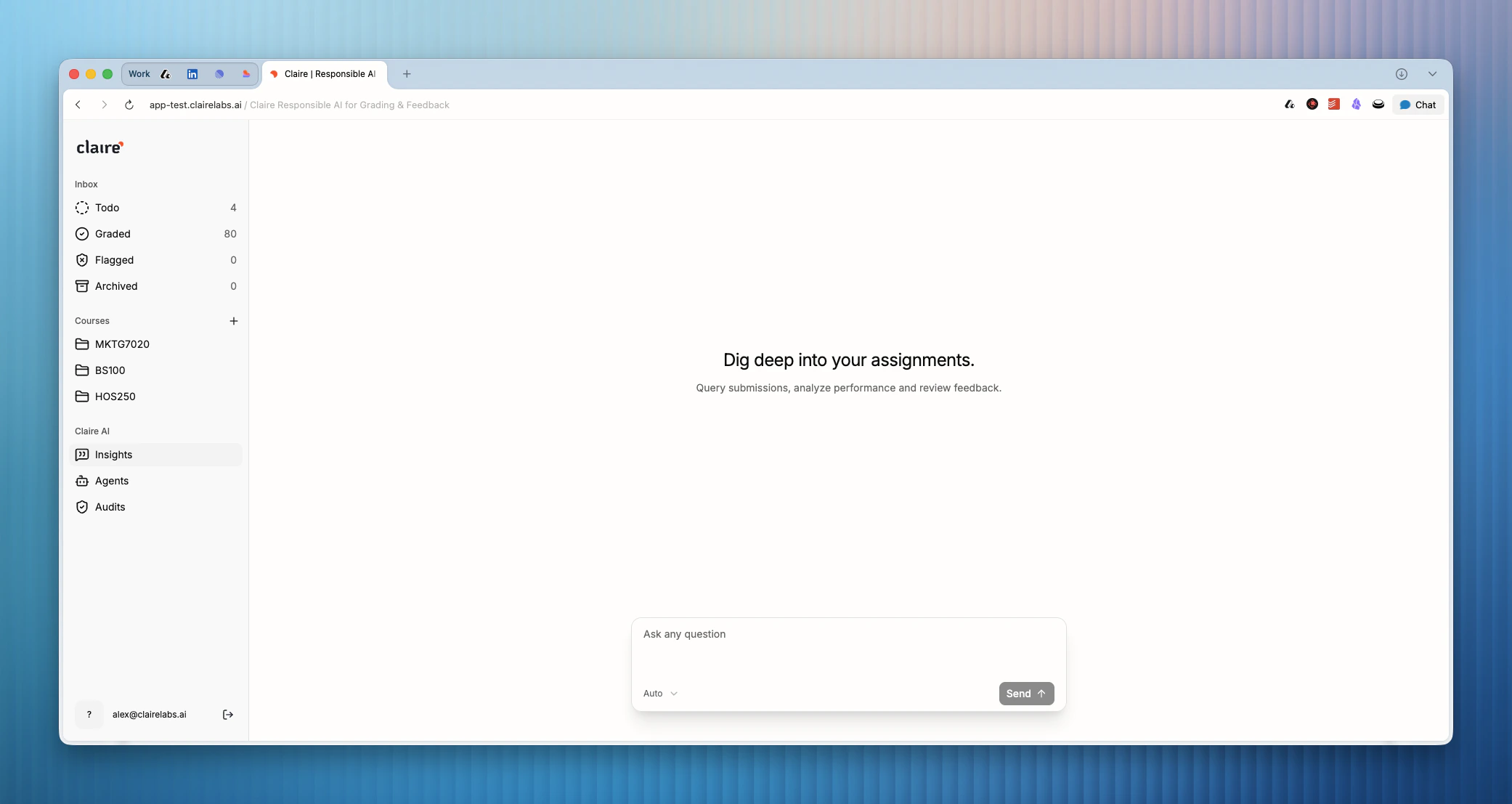
Accessing Insights
- Click on Insights in the main sidebar.
- At the top of the view, you can optionally filter the data context to a specific course using the dropdown menu.
- Use the chat input field at the bottom of the screen to enter your query.
Querying data
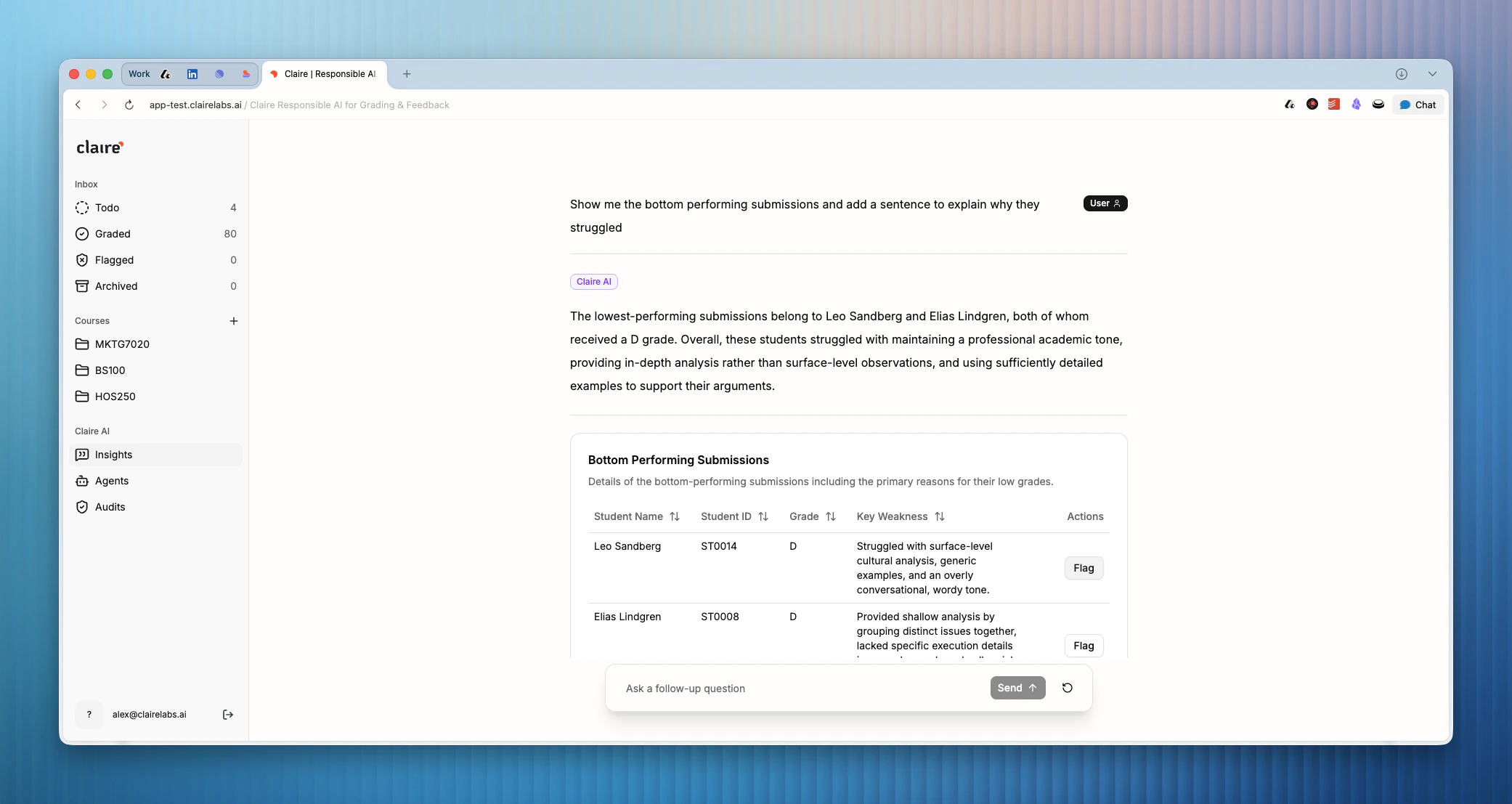
You can ask open-ended or highly specific questions about student progress, feedback sentiment, or rubric criteria performance.Insights are generated based on the grading remarks, highlights, and scores you have recorded across your submissions.
- “Which rubric criterion do students struggle with the most in the Midterm Assessment?”
- “Show me the distribution of grades for the Marketing Strategy course.”
- “Are there common themes in the weaknesses I’ve highlighted this week?”
Looking for more details?
- For a class-level report that surfaces learning trends and actionable classroom recommendations, see Course reporting.