

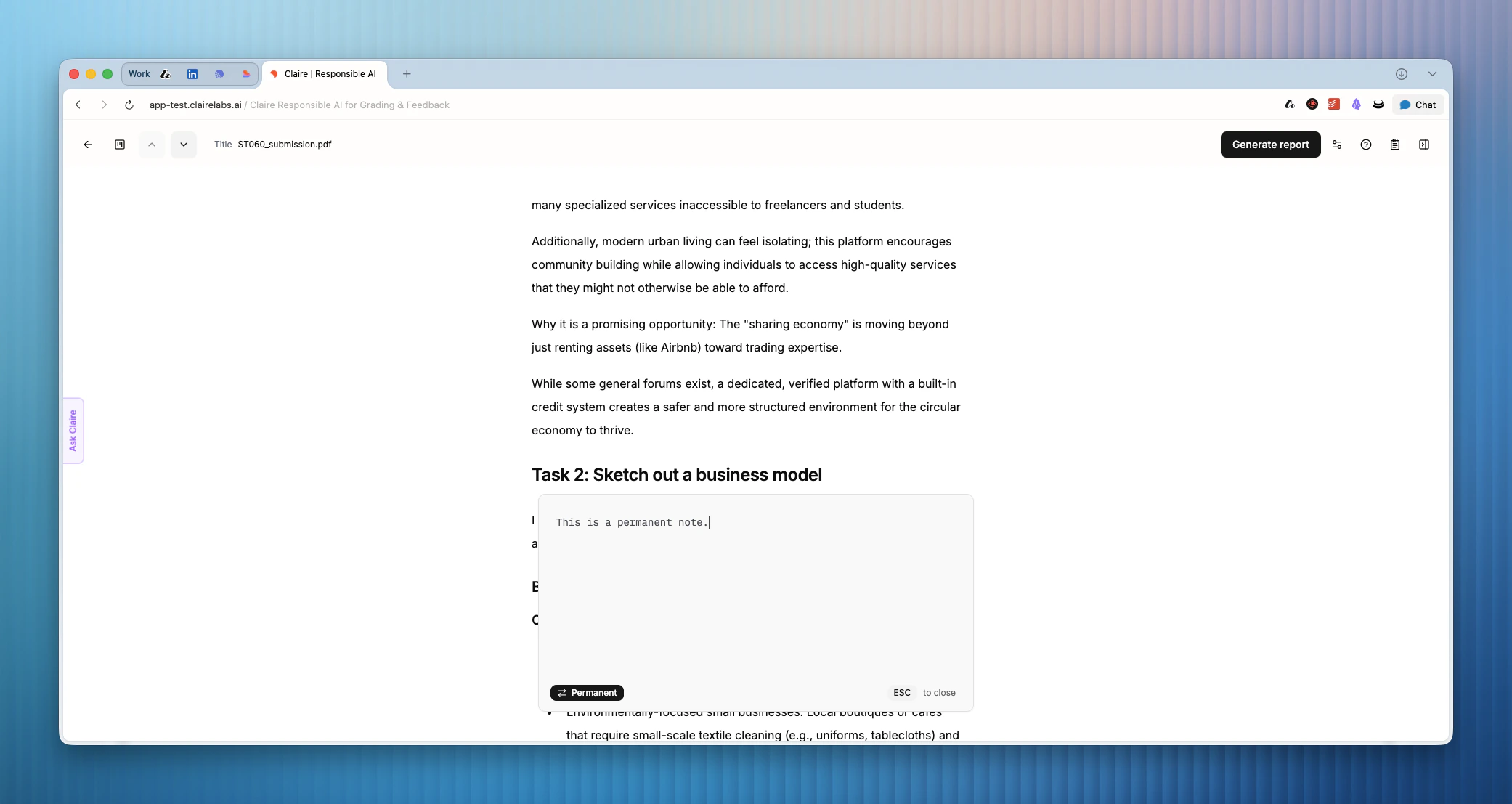
Scratchpad modes
The scratchpad features two modes depending on where you want your notes to appear. At the bottom left of the scratchpad, you will see an indicator for the current mode. Click F or P to toggle between them.- Fleeting mode (default): Notes are linked exclusively to the submission you are currently viewing. They only appear when you view or edit that specific submission. Use this mode for submission-specific thoughts.
- Permanent mode: Notes persist across all your courses and assessments. They appear every time you open the scratchpad, regardless of which submission you are reviewing. Use this mode for holistic notes, overarching reminders, or general grading criteria that you want to reference across different submissions.
Keyboard shortcuts
Looking for more details?
- If you want to save feedback or observations that should appear in the student’s feedback report, learn how to Annotate.